Is Your Website Outdated? Why Regular Updates Matter
A website launch tends to get treated like a finish line. Months of planning, design revisions, and content writing all culminate in one moment — the site goes live, the team celebrates, and attention moves on to the next priority. What often goes unspoken is that the launch isn't the finish line at all. It's closer to the starting line of a much longer, quieter process: keeping that website actually working, secure, accurate, and competitive for as long as the business depends on it.
This is one of the more underappreciated realities in digital business. A website isn't a static asset like a printed brochure that stays accurate until someone decides to reprint it. It's a living piece of infrastructure sitting on the open internet, constantly interacting with search engines, browsers, security threats, and a customer base whose expectations keep shifting. Left untouched, even a beautifully built website degrades — not because anything dramatic breaks, but because everything around it keeps moving while it stands still.
This article explains why regular website updates matter as much as they do, what actually happens when updates are neglected, and how a business should think about maintaining a site properly over time.
Why "Set It and Forget It" Quietly Fails
The appeal of ignoring a website once it's launched is understandable — it looks finished, it's doing its job, and updating it feels like an unnecessary ongoing cost. But that appearance of stability is deceptive, because most of what causes a website to decline isn't visible in a quick glance at the homepage. It shows up gradually, in metrics that are easy to miss until the damage has already compounded: declining search rankings, rising bounce rates, security vulnerabilities quietly accumulating, and a growing gap between what the site says and what the business actually does.
Websites exist inside several systems that are constantly changing around them, whether the business is paying attention or not:
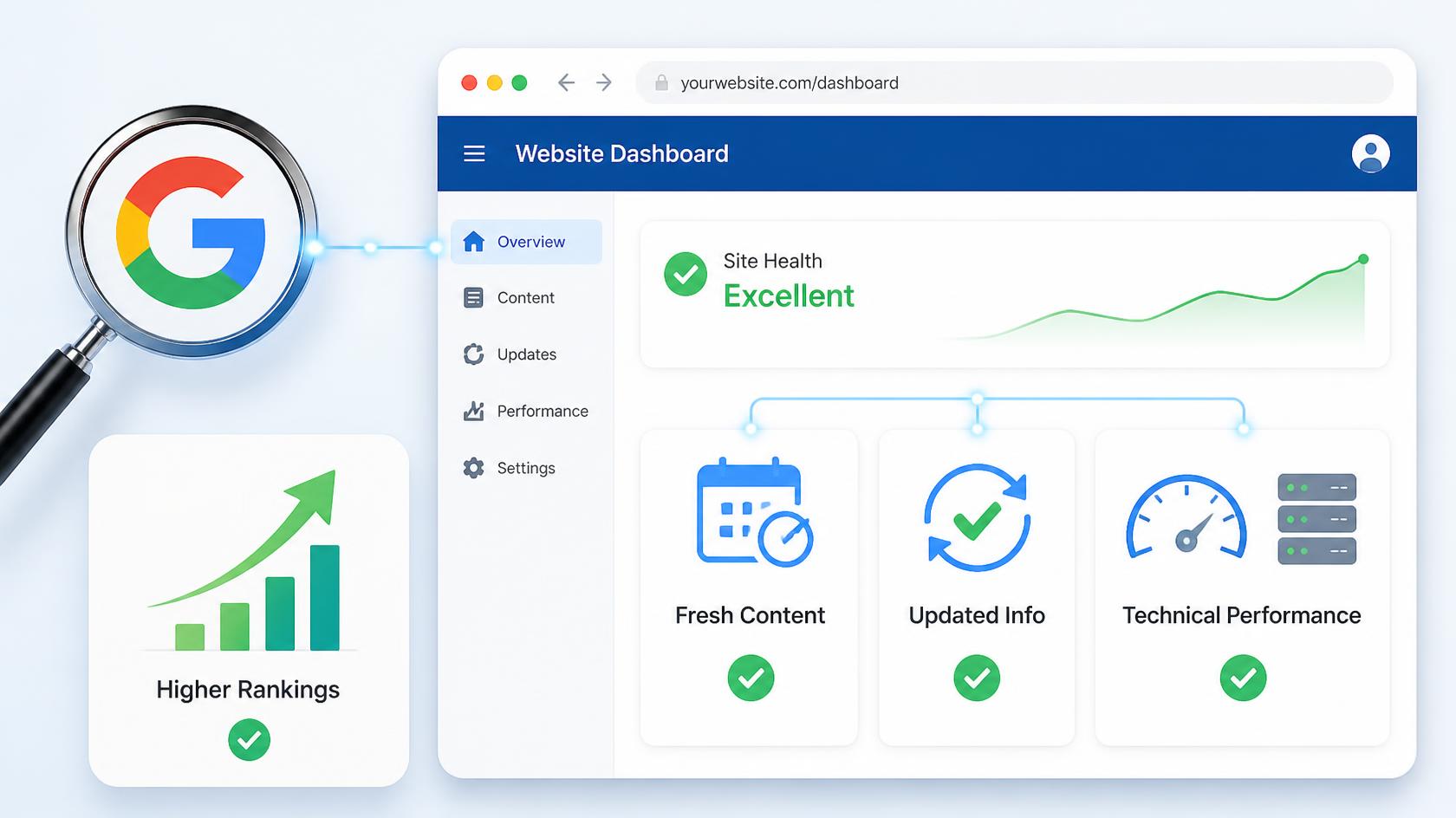
Search engines continuously update their ranking algorithms, and sites that don't adapt — through fresh content, improved technical performance, or updated SEO practices — gradually lose ground to competitors who do.
Browsers and devices evolve, and a site that isn't tested and adjusted against newer browser versions or device types can develop rendering issues invisible to the business but frustrating to visitors.
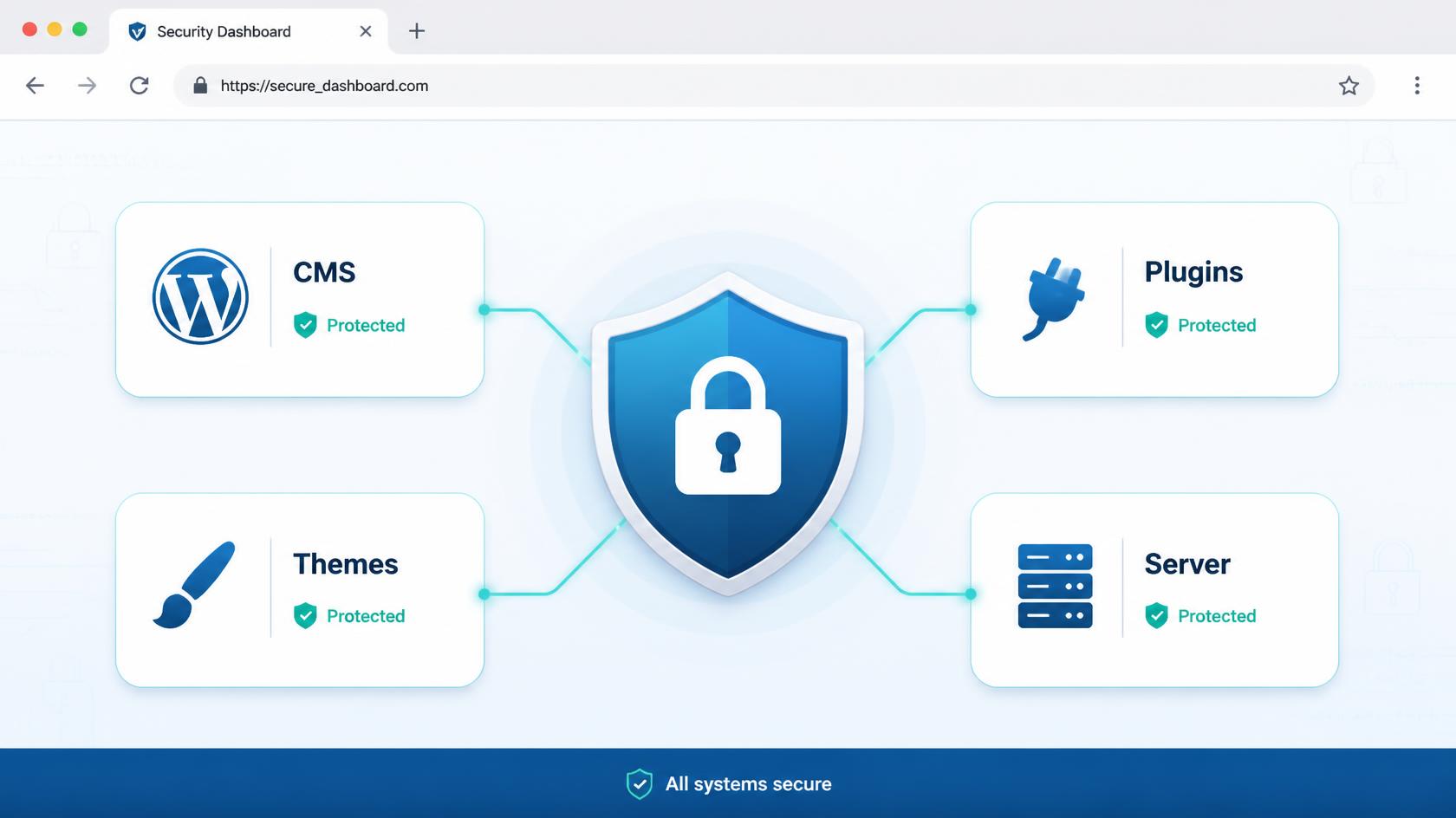
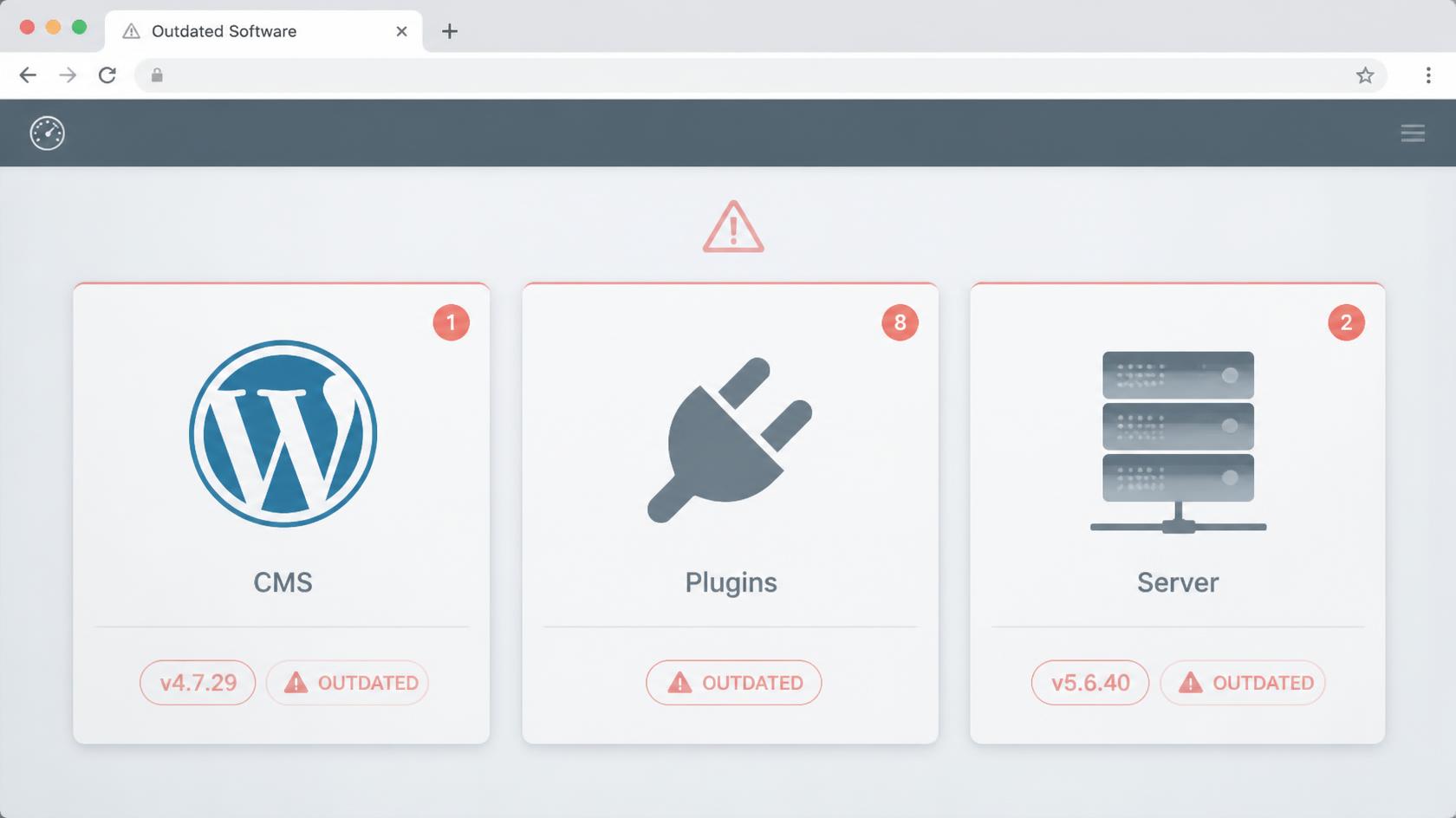
Security threats evolve constantly, and outdated software — CMS platforms, plugins, server software — becomes a growing target the longer it goes unpatched.
Customer expectations shift, often influenced by the best experiences customers have anywhere online, not just within a specific industry, meaning a site that felt current three years ago can feel dated today even if nothing on it is technically broken.
The business itself changes — new services, updated pricing, discontinued products, team changes — and a website that doesn't reflect those changes starts actively misinforming visitors rather than simply looking outdated.
None of these forces announce themselves loudly. They accumulate quietly, which is exactly why regular, deliberate updates matter — waiting until a problem becomes obvious usually means it's already been costing the business for a while.
The Core Reasons Regular Updates Matter
1. Security Is Not Optional, and It Doesn't Stay Fixed
Perhaps the most concrete, highest-stakes reason to keep a website updated is security. Content management systems, plugins, themes, and server software all receive regular security patches because vulnerabilities are continuously discovered — by security researchers, and unfortunately, by malicious actors as well. A website running outdated software isn't just missing new features; it's running with known, documented vulnerabilities that automated bots actively scan the internet for, specifically looking for sites that haven't been patched.
A compromised website can mean stolen customer data, malware injected into pages that gets flagged by browsers and search engines, complete loss of site access, or a business's domain being blacklisted — all of which are dramatically more expensive and disruptive to fix after the fact than the ongoing cost of regular updates would have been to prevent.
2. Search Rankings Reward Activity and Penalize Stagnation
Search engines consistently favor websites that show signs of being actively maintained — fresh content, updated information, strong technical performance — over sites that appear abandoned. A blog that hasn't published in two years, service pages describing offerings the business no longer provides, and broken links accumulating across the site all send signals that erode search visibility over time, even if the site was well-optimized at launch.
This compounds with technical SEO factors too: page speed benchmarks shift as user expectations and search engine standards evolve, mobile usability standards get stricter, and structured data expectations keep expanding, particularly as AI-driven answer engines increasingly rely on well-structured, accurate content to generate responses. A site that isn't updated to keep pace with these shifts doesn't just stay flat in rankings — it typically declines relative to competitors who are actively maintaining and improving their sites.
3. Outdated Content Actively Misleads Customers
An old blog post referencing outdated statistics is a minor issue. A pricing page showing rates that changed eight months ago, a services page describing a discontinued offering, or a team page listing an employee who left the company two years ago are not minor issues — they're active misinformation that damages trust the moment a customer notices the discrepancy, whether that's during a phone call, an in-person visit, or simply cross-referencing with a more current source.
This kind of content decay is especially damaging because it tends to happen invisibly to the business itself. Internal teams stop noticing outdated content on their own site the same way people stop noticing clutter in a room they walk through every day — which is exactly why a deliberate, scheduled review process matters more than relying on someone happening to notice a problem.
4. Broken Functionality Compounds Silently
Forms that quietly stop submitting due to a plugin conflict, payment gateways that fail after an update elsewhere in the checkout stack, broken internal links accumulating as pages get restructured or removed — these are the kinds of problems that can persist for weeks or months without anyone at the business realizing it, because the business itself rarely uses its own contact form or completes its own checkout flow regularly enough to notice.
Meanwhile, every visitor who hits that broken form or failed checkout during that window is a lead or a sale quietly lost, with no obvious signal pointing back to the cause unless someone is actively monitoring site functionality.
5. Performance Expectations Keep Rising
What counted as an acceptable load time five years ago is sluggish by today's standards, as both user patience and search engine performance benchmarks have tightened considerably. A site that hasn't been reviewed for performance in years often accumulates inefficiencies gradually — larger uncompressed images added over time, additional tracking scripts and plugins layered on one after another, outdated code that newer optimization techniques have since surpassed — none of which get addressed unless someone deliberately audits and improves performance on an ongoing basis.
6. Competitors Are Almost Certainly Updating Theirs
In any competitive industry, it's a near-certainty that at least some competitors are actively investing in their own websites — publishing fresh content, improving site speed, refreshing design, adding new functionality. A business that stops updating its site isn't just standing still in absolute terms; it's falling behind in relative terms, since the baseline for what customers consider a "good," trustworthy website keeps rising across the market as a whole.
What Actually Needs Updating, and How Often
Security and Software Updates: Ongoing, Not Occasional
CMS core software, plugins, themes, and server-level software should be updated as patches become available, ideally on a defined regular schedule (weekly or biweekly checks are common) rather than sporadically. Major updates should be tested in a staging environment before being applied to a live site, since updates occasionally introduce compatibility issues that are far easier to resolve before they affect real visitors.
Content Accuracy: Quarterly Review, With Immediate Updates for Business Changes
Core pages — pricing, services, team, key statistics — deserve a scheduled review at least every few months, checking for anything outdated or inaccurate. Beyond scheduled reviews, any genuine business change (new pricing, a discontinued service, a team change) should trigger an immediate update to the relevant pages, rather than waiting for the next scheduled review cycle.
Blog and Resource Content: Consistent, Ongoing Publishing
Beyond publishing new content regularly, existing high-performing articles benefit from periodic refreshing — updating statistics, adding new information, improving structure — since search engines often favor genuinely refreshed, improved content over static articles that haven't been touched since publication, particularly on topics where information changes over time.
Technical Performance: Periodic Audits
A performance audit — checking page load times, image optimization, broken links, mobile usability — every few months helps catch gradually accumulating inefficiencies before they become significant enough to noticeably affect user experience or search rankings.
Design and User Experience: Less Frequent, But Not Never
Full redesigns don't need to happen often — a site redesigned every year would actually lose the benefit of accumulated brand recognition and search authority tied to a consistent design. But periodic evaluation, every couple of years, of whether the site still feels current relative to evolving design standards and user expectations is a reasonable practice, separate from more frequent smaller updates.
Backups: Continuous, Non-Negotiable
Regular, automated backups — ideally daily for actively updated sites — are essential regardless of how disciplined the rest of the maintenance schedule is, since backups are what make it possible to quickly recover from a failed update, a security breach, or accidental data loss without catastrophic downtime.
Real-World Examples
Regional accounting firm
A regional accounting firm neglected their website for roughly three years after launch, assuming it would continue performing as well as it did initially. During that time, competitors published consistent blog content addressing seasonal tax questions, while the firm's site sat static. Search rankings for the firm's core service pages gradually slipped as competitors' fresher, more comprehensive content outranked them — not because of any single dramatic event, but because of a slow, compounding decline that only became obvious once a new marketing hire pulled analytics and found organic traffic had fallen by more than half over that period.
Ecommerce business
An ecommerce business running an outdated version of their platform's core software was compromised by an automated attack exploiting a known vulnerability that had been patched months earlier in a routine update the business had postponed. The breach resulted in a temporary shutdown, a costly cleanup process, and — perhaps most damaging — a period where their domain was flagged by browsers as unsafe, actively warning visitors away from the site during a critical sales period. The patch that would have prevented the entire incident took, by the developer's later estimate, under twenty minutes to apply.
Hospitality group
A hospitality group, by contrast, maintained a disciplined update schedule — monthly software patches, quarterly content reviews, and an annual performance audit. When a major search engine algorithm update shifted ranking factors industry-wide, causing noticeable ranking volatility for many competitors, this business's site was largely unaffected, since their ongoing technical maintenance already aligned closely with the updated best practices the algorithm change was reinforcing. Their consistency didn't just avoid damage — it became a quiet competitive advantage during a period when several competitors scrambled to catch up.
Building a Sustainable Update Practice
The businesses that handle this well tend to treat website maintenance the same way they'd treat any other essential piece of business infrastructure — with a defined schedule, clear ownership, and a habit of small, consistent attention rather than large, infrequent effort. That might mean an internal team member responsible for content reviews and a technical partner or developer responsible for software updates and performance audits, or it might mean an external agency handling the entire maintenance workload under an ongoing retainer. What matters less is exactly who does it, and more that it's actually happening on a defined, reliable cadence — rather than depending on someone eventually noticing a problem.
A website that receives this kind of consistent attention doesn't just avoid the acute risks of security breaches or embarrassing outdated content. It compounds in the other direction too — steadily improving search visibility, a consistently better user experience, and a site that keeps pace with both competitors and customer expectations, rather than slowly falling behind both.
FAQ
How often should a business actually update its website?
It depends on the type of update. Security patches should be applied as soon as they're available, ideally checked on a weekly or biweekly basis. Content accuracy deserves review at least quarterly, with immediate updates whenever a genuine business change occurs. Technical performance audits every few months and a broader design evaluation every couple of years round out a reasonable, sustainable schedule for most businesses.
Is it risky to apply software updates to a live website?
There's some risk, since updates occasionally introduce compatibility issues with existing plugins or custom functionality — but the risk of not updating, given accumulating security vulnerabilities, is almost always greater.
The safest approach is testing major updates in a staging environment (a copy of the live site) before applying them to the actual live site, which significantly reduces the risk of an update causing unexpected problems for real visitors.
How much does ongoing website maintenance typically cost compared to the initial build?
It varies significantly based on site complexity and how much active updating a business needs, but ongoing maintenance is generally a much smaller, recurring cost compared to the initial build — often structured as a monthly retainer covering security updates, backups, and periodic content or performance reviews.
Businesses that skip this ongoing investment often end up paying more later, either through a security incident, a significant SEO decline requiring recovery work, or an eventual full rebuild that a consistent maintenance practice could have avoided.
What's the biggest warning sign that a website has been neglected for too long?
A noticeable, unexplained decline in organic traffic or search rankings over several months is often the clearest indicator, since it usually reflects a combination of stale content, accumulating technical issues, and falling behind actively maintained competitor sites.
Other clear signs include outdated software flagged by security scanning tools, broken forms or links that go unnoticed for extended periods, and content that no longer accurately reflects current pricing, services, or team information.
Should a business handle website updates internally, or hire an agency or developer?
It depends on the business's internal capability and the complexity of the site. Straightforward content updates — text, images, pricing — can often be handled internally by a team member with basic CMS familiarity.
Software updates, security patching, performance optimization, and anything involving custom functionality generally benefit from a developer or agency's involvement, since mistakes in those areas carry higher risk and require more specialized technical knowledge to handle safely.
Many businesses use a hybrid approach — internal staff handling content, an external partner handling technical maintenance — which tends to cover both needs without over-relying on either side.