



7 Google Ads Budget Leak Points

A Google Ads budget can look busy and still miss the people you meant to reach. The leak is rarely a missing invoice. It is a setting: the brand competing with itself, Display placements you would not buy, a location you do not serve, a conversion that is not an enquiry, queries that are not the offer, a landing page that does not match the ad, or Performance Max spending where Search would have been readable. This checklist is those seven places. It will not invent a spend figure, a cost per lead, or a fee. The ads work sits on our Google Ads services page.
Short answer: Open the live account. Write what you can see, the date range, and what the report hides. A blank row is “not shown”, not a zero. Do not raise the budget until brand, location, conversions, queries, and the landing URL have each been read. How to size a budget from lead value is the sibling note on a Google Ads budget from lead value. This article does not set a price.
What a budget leak is
A leak is spend that does not match the enquiry you asked the campaign to buy. It can still produce a click or a tidy chart. Cheap is not useful. A click on your own name, or a form from a city you do not serve, can count as a result. The account spent on the wrong object.
Audit the setting. If a report is sampled, say so. If a column is hidden, write “not shown”. Do not fill the gap with a share you did not measure. A campaign name on a slide is not a finding. Use one date range. The seven points overlap: brand can sit inside Performance Max, and a loose conversion can make Display look like a win.
The seven leak points
1. Brand cannibalization
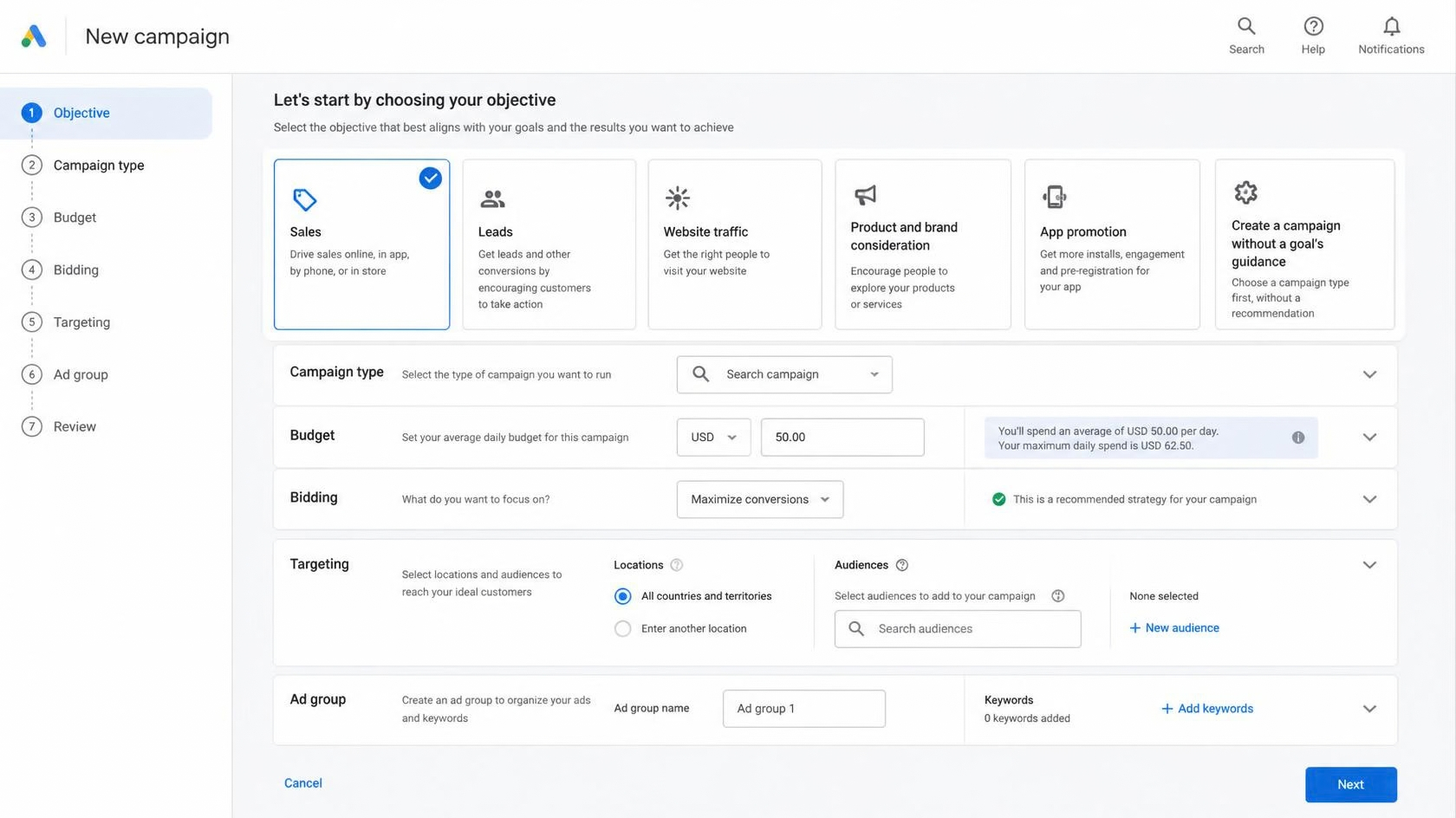
Your own campaigns can compete for people who already typed the business name. Branded Search can sit beside a generic group or Performance Max. The click can defend the name. It is not new demand. If a second campaign takes it, that campaign looks efficient and branded Search looks quieter. Which strings count: legal name, English, Thai, short name, old name? Which campaigns can enter them? Is a brand exclusion on each Performance Max campaign, and does it cover Thai spelling? A search theme that is the brand is an invitation. The deeper read is Performance Max and brand search leaks. Do not invent a share of spend that “is brand”.
2. Display junk
Display junk is inventory you would not have bought if the list were on the table: games, parked domains, apps, or YouTube surfaces unrelated to the offer. Search intent is a query. Display is a placement. Expansion, missing content exclusions, or Performance Max on unread sites can still show clicks. A click is not an enquiry. Which campaigns may serve on Display, Discover, YouTube, Gmail, or Maps? Which placements did you exclude, and which still receive spend? Were apps read apart from websites? If the report is sampled or empty, write that. Do not invent a junk share.
3. Bad geo
Bad geo is location targeting that does not match where you can sell, deliver, or meet. “Presence or interest” can pay for people outside the country who searched a Thai topic, or for interest that is not a visit. A hotel that meant Bangkok can inherit the whole country. A copied radius is not a plan. Language does not close a country you left open. Is the switch presence, or presence or interest? Which places are included and excluded? Does the location report name where the click happened? Copy that list. Do not invent how much of the budget sat outside the market.
4. Conversion misfire
Conversion misfire is bidding to an action that is not the lead. A page view, a scroll, a telephone click that fires twice, a LINE click counted as a sale, or a thank-you URL anyone can open teaches the campaign that the wrong click is success. The chart improves. Sales does not. Which actions are in the goal, and which are observation only? Can the thank-you page open without the form? Are English and Thai forms counted once? If the count moved on the day tracking changed, that is measurement, not a recovered leak. Name the action before you raise the budget. This article will not print a conversion rate.
5. Query dirt
Query dirt is search terms that are not the offer: jobs, “free”, a login, a competitor you did not mean to bid on, or a question that will never become an enquiry. Close variants and Thai spelling outrun the keyword you typed. A negative list copied from another account, or never read in Thai, leaves the dirt in place. Open search terms for this period, not the keyword list. Which terms would sales reject? When were negatives last edited? If the report hides queries, the sample cannot settle it. A hidden term is not a zero. Do not invent a wasted share.
6. Landing mismatch
Landing mismatch is an ad that promises one thing and a page that offers another. The click was paid. The page is in the wrong language, about the wrong service, or too hard to finish. Final URL expansion can send the person to a URL no ad named. A Thai query sent to an English homepage, or a hotel query sent to a generic form, is the same leak as a district in the headline that the page never mentions. What is the final URL, and does the page still exist? Open one live ad on a phone and write the address. Do not invent a bounce rate. If you have not opened the page, this row is unfinished.
7. Performance Max
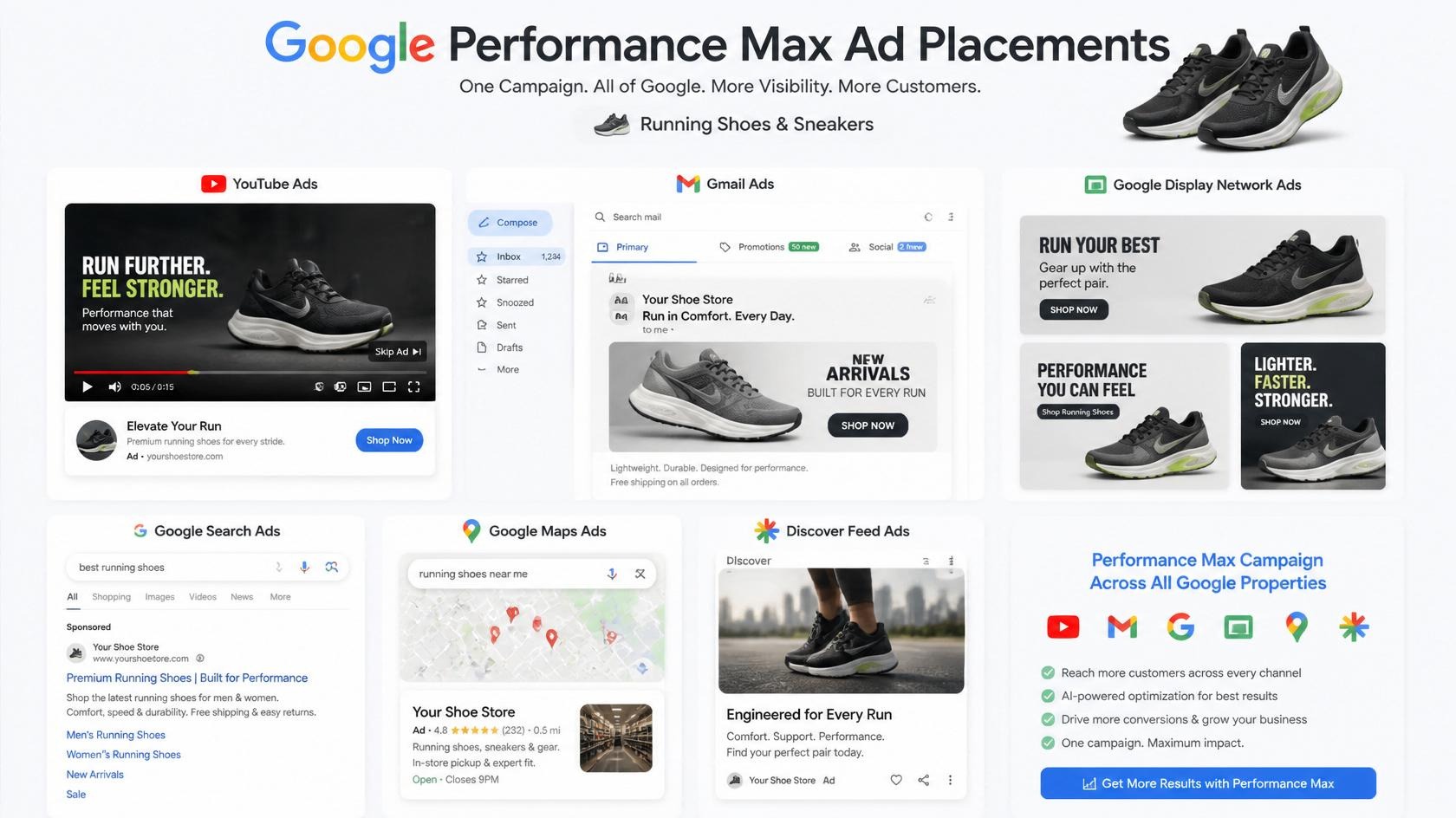
Performance Max can spend across Search, Shopping, YouTube, Display, Discover, Gmail, and Maps from one campaign, with a goal instead of a keyword list you can read. It is a leak when it does work Search could show you, when brand is unexcluded, when a feed title is only the name, or when the conversion is not the enquiry. A channel report does not name the query. How many campaigns are live, and is a brand list applied in English and Thai? Are search themes the offer, or the brand? What will you re-read, and on what date? Do not accept “it needs the traffic to learn” without a written reason. Do not invent a channel split.
How to run the audit
Work in the live account. Write one date range. Pause nothing until you have written what is live. A pause before the read removes the evidence.
- Name the enquiry sales will call, and what they will reject. If that is unclear, stop.
- List live campaigns and the networks each may use. Use the campaign name, not a nickname.
- Read brand strings and which campaigns can enter them. Note exclusions you can see.
- Open the location setting and the location report. Presence versus interest is a switch.
- Open conversion goals. Mark primary versus observation. Open the thank-you URL in a private window.
- Read search terms and placements for the same dates. Copy terms and sites you would not buy.
- Open each live final URL on a phone. Language, offer, and the counted action should agree.
- Only then look at the chart. A rise after a tracking change is a measurement event. Do not invent its size.
Which of the seven failed, on which campaign, on which dates? If you cannot answer, you do not have a budget figure. You have a missing screen.
What to ask before you raise the budget
Ask whoever can open the account, including us, for the screen rather than a slide. More spend on an unread leak teaches the campaign that the leak is a good query.
- Which of the seven did you check, and which report is still empty?
- Which campaigns can spend on the brand, and can you name the exclusion and the date?
- Where did clicks happen, and is targeting presence or interest?
- What is the primary conversion, and can the thank-you URL open without the form?
- Which search terms and placements would sales reject, and where are exclusions stored?
- Which URL does the ad open, in which language, and is final URL expansion on?
- After a change, which screen will you open, on what date, with no invented recovery?
A usable answer names campaigns, lists, and the next read. Size any later budget from lead value, not from a floor. The ads work remains Google Ads services. This article does not quote a fee.
What this checklist will not do
- Invent a share of spend that is brand, Display, geo, query dirt, or Performance Max, or a cost per lead after the audit.
- Quote a fee. Published figures, if any, live on the service page. This page holds the questions.
- Name other firms, treat a sampled report as a full list, or treat a hidden query as a zero.
- Replace the sibling notes on Performance Max brand search and on a budget from lead value.