



Mobile App Development: The Complete Expert Guide to Building Apps That Actually Get Used

Why Most Mobile Apps Fail Before They're Even Coded
Here's an uncomfortable truth the mobile app industry doesn't advertise: roughly 90% of mobile apps are abandoned by users within the first 30 days, and the majority of app development budgets are spent on features nobody asked for. The difference between an app that scales past a million downloads and one that quietly dies in the app store isn't luck — it's whether the development process was built on the right foundation from day one.
This guide breaks down mobile app development the way a senior engineering lead or CTO would explain it to a founder: practically, technically, and without the fluff. Whether you're a startup founder evaluating your first build, a product manager scoping a roadmap, or a developer sharpening your fundamentals, this article gives you a working mental model of how modern mobile apps are actually designed, built, and shipped — from the first whiteboard sketch to the moment a user opens it on the subway six months later and still remembers why they downloaded it.
What Is Mobile App Development?
Mobile app development is the process of creating software applications that run on smartphones and tablets, encompassing everything from initial concept and UI/UX design through coding, testing, deployment, and post-launch maintenance. It typically involves choosing between native development (platform-specific code for iOS or Android), cross-platform frameworks (shared code across both), or hybrid/web-based approaches — each with distinct trade-offs in performance, cost, and speed to market. A complete mobile app development lifecycle also includes backend infrastructure, API design, security architecture, and long-term maintenance planning, which is often the part first-time founders underestimate the most
The Three Core Approaches to Building a Mobile App
1. Native App Development
Native development means writing separate codebases for each platform: Swift or Objective-C for iOS, and Kotlin or Java for Android. This is the approach Apple and Google themselves recommend, and it remains the gold standard for performance-critical apps.
Native development gives engineers direct access to the full device SDK the moment new APIs are released, with no waiting period for a third-party framework to catch up. This matters enormously for apps that depend on cutting-edge camera APIs, ARKit/ARCore, or the latest biometric authentication standards. Native apps also tend to have the smoothest animations and the fastest cold-start times, because there's no abstraction layer translating code into platform-native instructions at runtime.
Best for: Apps requiring heavy graphics processing (games, AR/VR), deep hardware integration (camera, sensors, Bluetooth), or best-in-class performance (banking, fitness tracking with real-time biometrics).
Trade-off: You're essentially building and maintaining two separate products, which roughly doubles development time and cost, and requires two specialized engineering teams (or one team fluent in both ecosystems) rather than one.
2. Cross-Platform Development
Frameworks like Flutter (Google, using Dart) and React Native (Meta, using JavaScript/TypeScript) let teams write one codebase that compiles to both iOS and Android. Cross-platform tooling has matured to the point where the performance gap with native is negligible for the vast majority of consumer apps, and companies including major food delivery, fintech, and social platforms now run large portions of their production apps on these frameworks.
Flutter compiles down to native ARM code and renders its own UI layer using the Skia graphics engine, which gives it very consistent visual behavior across both operating systems. React Native, by contrast, renders through native UI components via a JavaScript bridge (or the newer JSI-based architecture), which tends to feel more "native" to platform conventions but can require more careful performance tuning on complex screens.
Best for: Startups needing to move fast, MVPs, e-commerce apps, content and social apps, internal business tools, and companies that want a single engineering team supporting both platforms.
Trade-off: Extremely complex, hardware-intensive apps may still need native modules bridged in for specific features, and some highly specialized functionality (advanced AR, low-level Bluetooth protocols) may require writing small amounts of native code anyway.
3. Hybrid and Progressive Web Apps (PWAs)
Hybrid apps wrap web technologies (HTML, CSS, JavaScript) inside a native shell using tools like Ionic or Capacitor. PWAs go a step further, running directly in a mobile browser while offering app-like features (offline mode, push notifications, home-screen installs) without an app store at all.
This approach is particularly attractive to teams that already maintain a web application and want to extend it to mobile without duplicating engineering effort. The trade-off is that hybrid apps run inside a WebView, an embedded browser component, which introduces a performance ceiling that native and cross-platform apps don't have to deal with.
Best for: Low-budget MVPs, content-driven apps, teams that already have a strong web presence and want to extend it to mobile quickly, or products validating demand before committing to a full native build.
Trade-off: Weaker performance, limited access to native device APIs, and a less polished feel compared to native or cross-platform apps — plus PWAs still face inconsistent support for push notifications and app-like features on iOS specifically.
The Mobile App Development Process, Step by Step
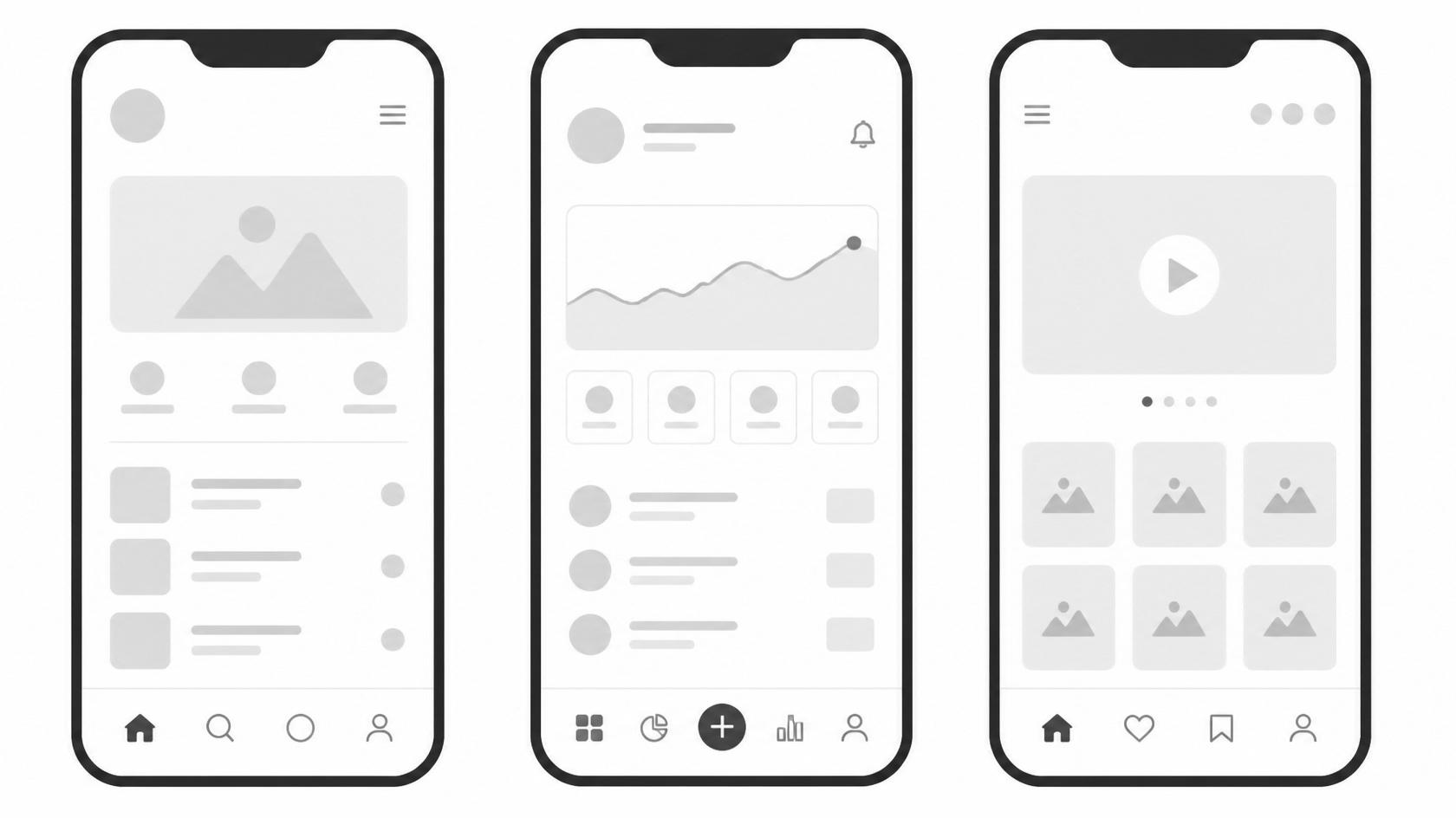
A production-grade app doesn't start with code — it starts with a decision framework. Here's the sequence experienced teams follow, and why skipping any single step tends to resurface as an expensive problem later:
- Discovery and Market Validation — Define the core problem, validate demand, and study direct competitors in the app stores before writing a single line of code. This stage should produce a clear answer to "why would someone choose this over what they already use?"
- Product Strategy and Scoping — Lock down an MVP feature set. The single biggest cause of blown budgets is scope creep at this stage: teams add "just one more feature" repeatedly until the MVP becomes a full product before it's ever been tested with real users.
- UI/UX Design — Wireframes, then high-fidelity prototypes (Figma is the industry standard), followed by usability testing on real users before development begins. Design decisions made here — navigation patterns, information architecture, onboarding flow — are far cheaper to change on a prototype than after the app is coded.
- Technical Architecture Planning — Choosing the tech stack, backend infrastructure, database design, API architecture, and third-party integrations (payments, auth, analytics). This is also where teams decide on scalability requirements: an app expecting a few thousand users has very different infrastructure needs than one expecting a viral launch.
- Development Sprints — Agile, typically in one-to-two week sprints, with continuous integration so builds are testable at every stage rather than only at the end. Mature teams ship internal test builds weekly so stakeholders can react to real, working software rather than static mockups.
- Quality Assurance and Testing — Functional testing, performance testing, security testing, and device/OS fragmentation testing (especially critical on Android, which spans thousands of device configurations, screen sizes, and OS versions still in active use). Automated testing frameworks (unit, integration, and end-to-end) reduce regressions as the codebase grows.
- App Store Submission and Compliance — Meeting Apple App Store Review Guidelines and Google Play policies, which increasingly scrutinize data privacy, permissions usage, subscription transparency, and AI-feature disclosures. Rejections at this stage are common even for experienced teams and can add unplanned weeks to a launch timeline.
- Launch and Post-Launch Iteration — Monitoring crash analytics, user retention curves, funnel drop-off points, and app store reviews to drive the next development cycle. The best teams treat launch day as the start of the real learning process, not the finish line.
The Technologies Shaping Mobile Development Right Now
- On-device AI and small language models are increasingly embedded directly into apps for offline personalization, moving inference away from the cloud to cut latency, reduce server costs, and improve privacy since sensitive data never has to leave the device.
- Flutter and React Native continue to dominate cross-platform market share, with Flutter gaining ground in enterprise apps due to consistent rendering across devices and React Native remaining strong among teams with existing JavaScript expertise.
- Backend-as-a-Service (BaaS) platforms like Firebase and Supabase let small teams ship production backends — authentication, databases, file storage, serverless functions — without hiring a dedicated backend team from day one.
- App Clips and Instant Apps allow users to experience a slice of an app without a full install, reducing friction in the conversion funnel for use cases like restaurant ordering, parking payment, or event check-in.
- Privacy-first architecture is now a design requirement, not an afterthought, driven by Apple's App Tracking Transparency framework and evolving global data regulations that require explicit consent and data minimization by default.
- Modular and micro-frontend architectures are gaining traction in larger apps, allowing different teams to own and ship independent features without blocking each other, which shortens release cycles as an app's engineering team grows.
- Edge computing and CDN-backed APIs are reducing latency for global user bases, letting apps feel fast even for users far from the primary server region.
Common Mistakes That Sink Mobile App Projects
Even well-funded teams repeat the same errors:
- Building for every platform at once before validating the idea on one, spreading limited resources too thin to iterate quickly on any single platform.
- Skipping user testing until after launch, rather than before writing code, which means expensive usability problems are discovered only after they've already cost real users.
- Ignoring offline functionality, which frustrates users the moment connectivity drops — a common failure point for apps used in transit, travel, or areas with unreliable networks.
- Underestimating app store review time and rejection risk, which can delay launches by weeks and derail carefully planned marketing timelines.
- Treating the backend as an afterthought, leading to scalability problems the moment user growth accelerates past what the original architecture was designed to handle.
- Neglecting analytics instrumentation from day one, which leaves teams unable to explain why users are churning because the data needed to diagnose the problem was never collected.
- Over-indexing on the initial launch rather than budgeting for the months of iteration afterward, which is usually where an app's real product-market fit gets discovered
Final Takeaway
Mobile app development isn't primarily a technology decision — it's a sequencing decision. Teams that validate the problem, scope ruthlessly, choose the development approach that matches their actual performance needs, and treat post-launch iteration as part of the build rather than an afterthought are the ones whose apps survive past the 30-day mark. Everything else — Swift versus Kotlin, Flutter versus React Native, native versus hybrid — is a downstream implementation detail that matters far less than getting the sequence right. Get the discovery, scoping, and architecture decisions right first, and the technology choices tend to sort themselves out.