


How to Run Google Ads without website




How to Run Google Ads without website
You have a great product or service, and you are ready to find customers on Google. There is just one problem: you do not have a website yet. Does that mean you have to wait weeks, or spend a fortune on a big website before you can advertise?
Good news: no. You can start Google Ads with nothing more than one simple, well-made page. In this guide, we explain your options, what that single page needs, and exactly how to set up your first campaign.
Can You Run Google Ads Without a Website?
Short answer: sometimes, but a single landing page is the safer and better route.
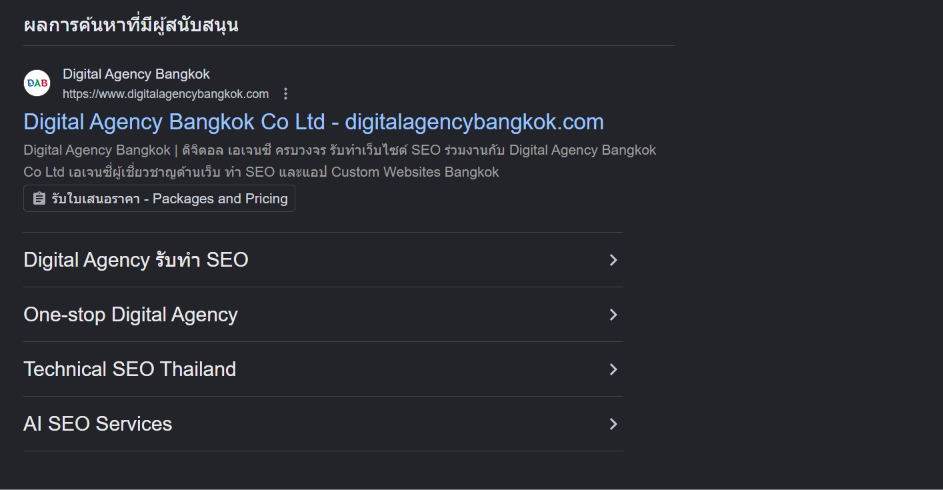
Most Google Search ads need a destination URL, meaning a page where people land after they click. However, depending on your business type, country, and the campaign options currently available in your account, Google offers some alternatives that do not require a full website:
- Google Business Profile with Smart campaigns: if you are a local business, you can connect your free Business Profile and send customers to your profile, calls, or directions.
- Call-focused ad formats: ads built to make your phone ring rather than send clicks to a site. Availability of these formats changes over time, so check what your Google Ads account currently offers.
- A single landing page: one page that explains your offer and captures leads. This works for almost every business and gives you the most control over results.
Even if a no-website option is available to you, a landing page helps you track conversions, test messages, and improve results over time.
Why One Landing Page Is Often Enough
A full website has many pages and many distractions. A landing page has one goal: get the visitor to take one action, such as calling you, sending a message, or filling in a form. For paid ads, that focus often converts better than a homepage with dozens of links. It is also faster and cheaper to build. You can have a professional one-page site live in a few days instead of a few months.
What Your Single Page Must Include
Google checks the quality of the page your ad sends people to, and so do your visitors. A strong landing page should have:
- A clear headline that matches your ad (if your ad says "Same-Day Aircon Repair in Bangkok," your page should say it too).
- A short explanation of what you offer and who it is for.
- Benefits and proof: reviews, photos, certifications, or past clients.
- One obvious call to action: a call button, LINE or WhatsApp link, or a short contact form.
- Contact details and business information: address or service area, phone, and email. This builds trust and supports Google's advertising policies.
- A privacy policy if you collect names, phone numbers, or emails.
- Fast, mobile-friendly design. Most people in Thailand will see your ad on a phone.
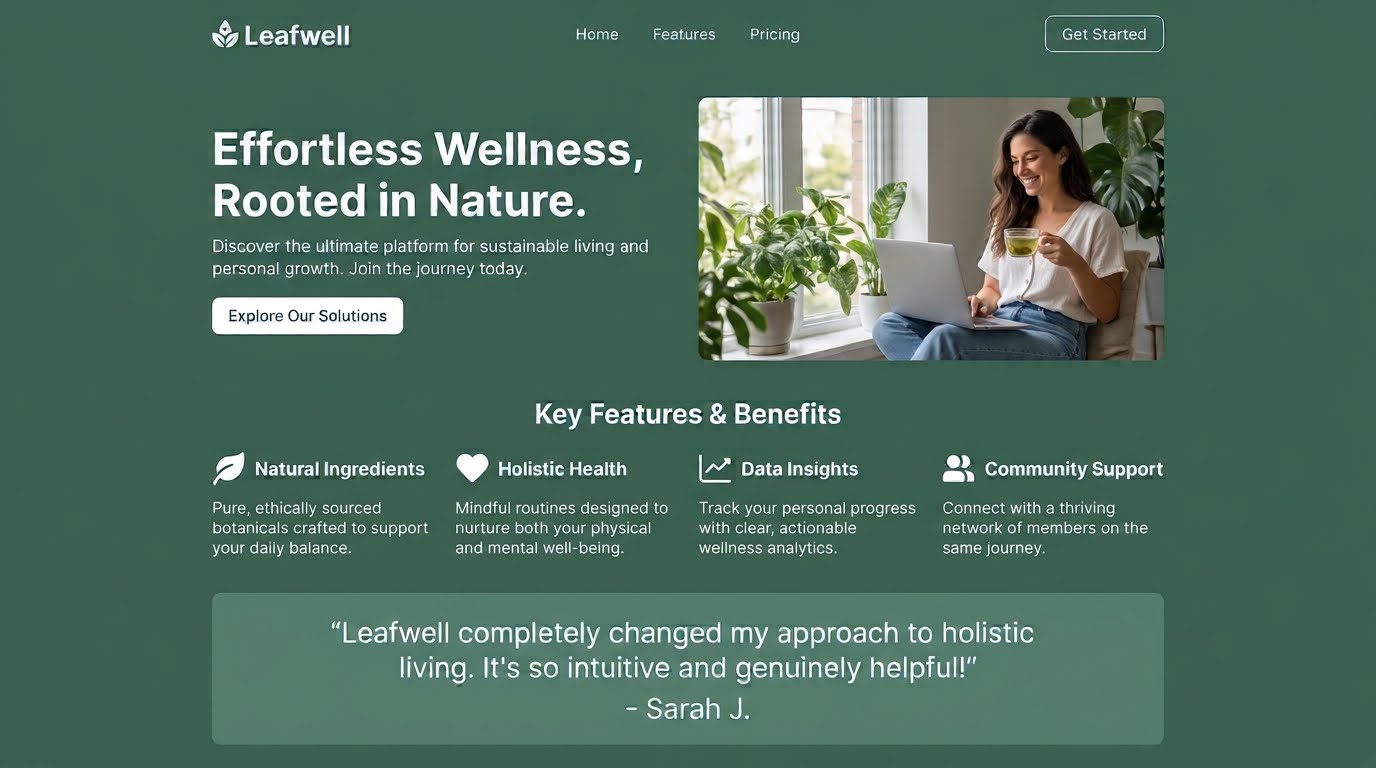
How to Build a One-Page Website Quickly
You do not need to be a developer. Common options include:
- Website builders such as Wix, Squarespace, or Carrd for fast, low-cost pages.
- WordPress with a landing page theme or builder if you want more flexibility and room to grow.
- A professional agency build if you want a custom design, proper tracking, and Thai and English versions done right.
Whichever you choose, connect your own domain name (for example, yourbusiness.co.th) so the page looks credible and you own your brand online.
Step-by-Step: Set Up Your First Google Ads Campaign
- Define one goal. Phone calls, form leads, or messages. Pick one.
- Create your landing page with that single action front and center.
- Open a Google Ads account and enter your business details and billing information.
- Choose your campaign type. For most beginners, a Search campaign (people actively searching for what you sell) is the best place to start.
- Research keywords. Use Google's Keyword Planner to find what customers search for, including Thai-language terms, and focus on specific, high-intent phrases.
- Write your ads. Include your main keyword, a clear benefit, and a call to action. Add extensions or assets such as call, location, and sitelink where available.
- Set your location and language. Target Bangkok or the specific areas you serve, and the language your customers use.
- Set a daily budget you are comfortable testing with. Start small, learn, then scale what works.
- Set up conversion tracking so you know which clicks turn into calls, forms, or sales. This step is essential, and many beginners skip it.
- Launch, monitor, and improve. Check search terms weekly, add negative keywords to block irrelevant clicks, and refine your ads and page based on the data.
Common Mistakes to Avoid
- Sending ads to a social media page or a messaging app link as your only destination, which makes tracking and trust harder.
- Using vague keywords that attract the wrong clicks and waste budget.
- Skipping conversion tracking, so you cannot tell what is working.
- A slow or cluttered page that makes visitors leave within seconds.
- Promising what you cannot deliver, or using claims that break Google's ad policies.
Need Help Getting Started?
At Digital Agency Bangkok, we build fast, conversion-focused landing pages and set up Google Ads campaigns for businesses that are just starting out. From domain and page to tracking and keyword strategy, we handle it so you can focus on serving customers. Contact us for a free consultation.