



An Old Website Makes Ads More Expensive

A buyer running Google Ads onto an old website is often paying for a click the page cannot finish. The page still wastes the visit: it stalls on a phone, the heading does not match the ad, the form fails, or a warning sits where the enquiry should be. That is what “an old website makes ads more expensive” means.
This is a buyer guide, not a service page. It does not quote a fee, a click price, or a return figure. The page for the ads work is our Google Ads services page.
Short answer: Before you raise a bid, open the URL the ad uses, on a phone, in the language of the ad. The heading should answer the click. The form or the call should complete. The lock should be real. If those fail, more budget buys the same failure faster. Digital Agency Bangkok can treat the page and the campaign as one brief: in-house development, updates tried off the live site, Thai and English as separate pages, and an enquiry counted instead of a page view.
What “more expensive” means, without a fake figure
A weak landing page changes two things you can see in your own account. Some clicks you already pay for never become a call, a form, or a LINE chat you can act on. Raising the budget widens that gap if the page is the bottleneck. Landing-page experience is also one input Google describes for how competitive an ad is. A slow, thin, or unrelated page can mean a stronger bid to show in the same place, or an ad that is limited.
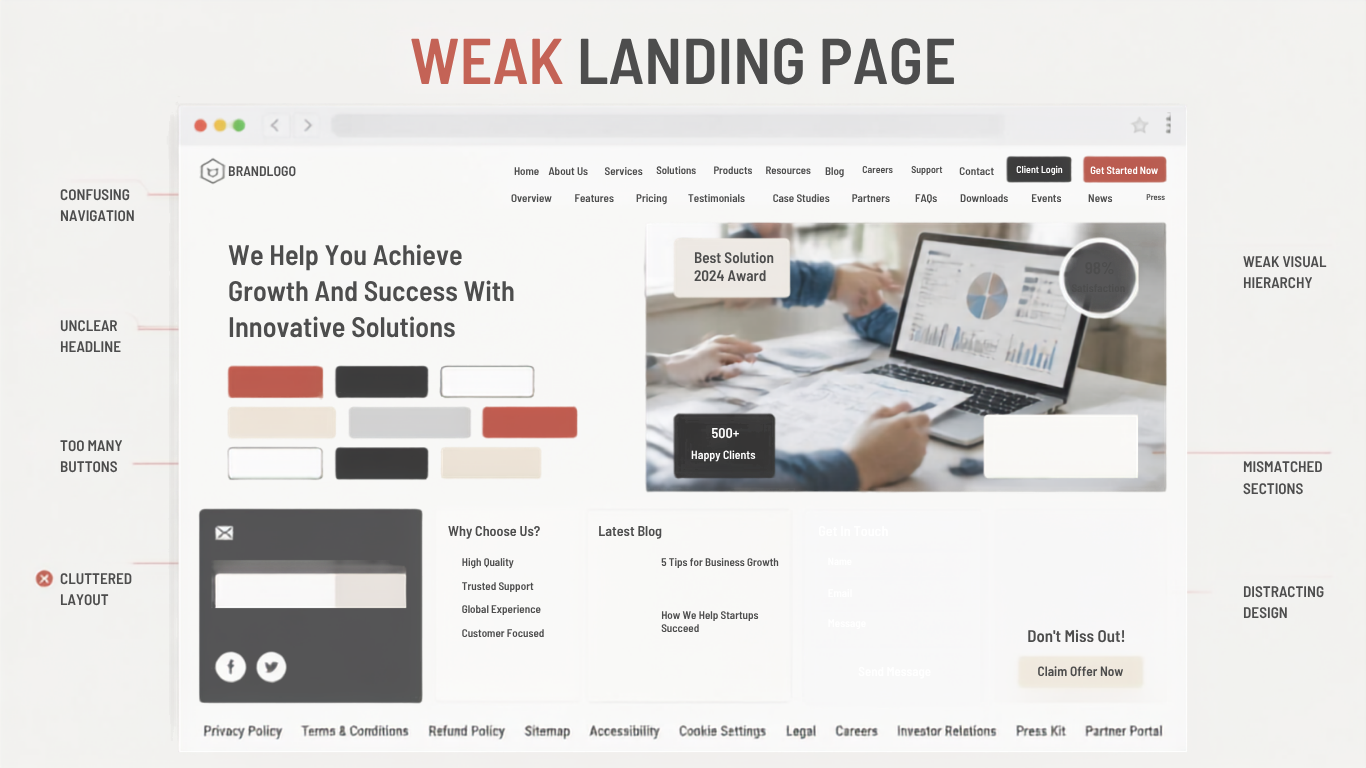
This article will not invent a Quality Score, a cost-per-click, or a share of wasted spend. Read your own search terms, the URLs in the ads, and whether a real enquiry arrived. Age is not the cause. A ten-year-old page that loads, matches the ad, and takes the lead is fine. “Old” means the page no longer does the job the click paid for.
The click pays for a page, not for the keyword
The ad makes a promise in a few lines. The page has to keep it on the first screen, on the device they used. If the ad names a service in a district, the page should say that. If the ad is in Thai, the page should be in Thai, including the buttons and the errors. Mismatch is expensive because you already paid. You do not get the click back.
Common mismatches on older Thai business sites: one homepage used for every ad, including a service it never names; an English ad sent to a Thai-only page, or the reverse; a final URL that hops through several addresses and lands on a warning or a parked page; a promotion named in the ad that the page no longer shows. Remove the claim, or put the current one on the page. If nobody can log in, that is ownership, not an ads tactic. Who should hold the work is covered in agency versus freelancer versus doing it yourself.
Speed and a phone that stalls after the click
Most clicks on a Thailand search campaign arrive on a phone. An old theme often waits on a slider, a font, a chat widget, and a tag that fires before the heading. The person sees a blank block, or a desktop page pinched narrow. This article will not invent a millisecond target.
What usually does not help the click: a hero that plays before the service name, a popup covering the button, print-size images, a menu that needs a hover, a map or chat that loads before the form. Maintenance can delay or remove those if the template allows it.
The form, the call, and the language after the tap
A click that cannot finish is the clearest way an old site makes ads more expensive. On the landing URL, on a phone, in the language of the ad, submit the form. Call the number. Open LINE if that is the step offered. Old pages fail this in ordinary ways: the form errors after an update nobody tested, a field is in the wrong language, the thank-you page is a 404, the telephone link does nothing on a phone, captcha blocks the submit, or a file upload sits on a form that needed a name and a number.
Tracking can hide this. If the conversion fires when the page loads, or when the form is shown, the report looks busy and the inbox is empty. Count the enquiry you can answer. If the ads action and the lead you can name do not match, fix the definition before you add budget. Thai and English are two pages, not a switch that copies one onto the other. An ad group in one language should land on that language.
A neglected page, and a page that is infected
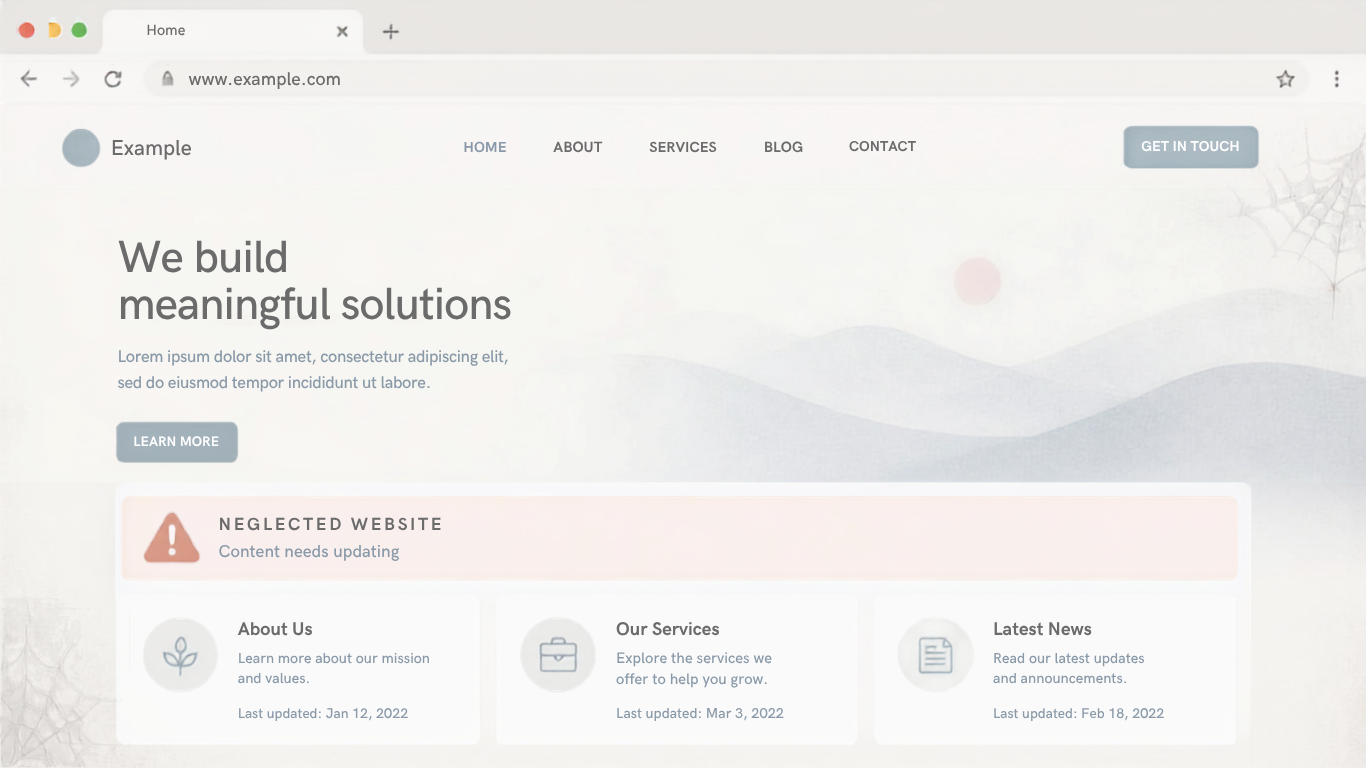
Trust is part of the cost. An expired certificate, a mixed-content warning, a copyright year from long ago, or a photo of a city you do not work in, all make the click less likely to become an enquiry. Open the URL as a stranger would.
An infected site is harder. A browser warning, an injected redirect, spam on your domain, or a form that posts somewhere else means the click may never see your offer. Do not tune ads into that URL. Pause them until the page is clean and the form posts to you. Cleanup is described on malware removal services. An infected landing page is not a bidding problem.
Routine care is the other half. Updates, backups, and a copy where a change is tried before it is public stop a working form from becoming the next error. That work sits on website maintenance services. If the page can be repaired without a new design, that is the smaller job. If the template cannot take the click, talk about a rebuild.
Maintenance, a rebuild, or leave the campaign alone
Three paths. Maintain the page when you can log in, the URL loads on a phone, the heading can be edited to match the ad, and the form or call completes. Try updates on a copy first. The business should still own the host and a backup.
Rebuild when the template cannot match the ad, the phone layout cannot show the next step, you cannot export the content, or every change risks the live site because there is no staging. If you are choosing who builds it, use how to choose a website company in Thailand: staging, accounts in your name, and a map of old URLs before any address already in ads is moved.
Pause the campaign when the page is infected, the certificate is broken, or you cannot tell a real enquiry from a counted page view. A new site is not automatically cheaper media. If the new URL is not in the ad, or old advertised URLs are not redirected one-to-one, clicks land in the wrong place.
Checks before you raise the bid
Do these on the URLs already in the ads account.
- On a phone, open each final URL in the last active campaigns. Does the first screen name what the ad promised, in the same language?
- Submit the form, or complete the call or LINE step, and confirm a person received it.
- Is the connection secure, with no browser warning, and does the page stay on your domain?
- Can someone you trust edit that page without trying the edit first on the live URL?
- Is the conversion in the ads account the event you just completed, or a page view?
If the first three fail, do not raise the bid. Repair, rebuild, or pause. If the fourth fails, the page will drift from the ads again. If the fifth fails, you cannot tell whether the page is the bottleneck. Digital Agency Bangkok will walk these checks when the brief is Google Ads and the landing page is in scope. The page for that work remains Google Ads services.
How the ads work and the site work sit together
Ads and the website are often sold apart. The person who writes the ad should name the URL. The person who edits the site should see the query.
On work we staff, that can be one brief. In-house development can change the page. Updates are not tried first on the public URL. Thai and English stay separate. The enquiry is the conversion, not a visit. If the open question is who should run the channel, use the agency, freelancer, or do-it-yourself note. If the page must be built again, use the website company checklist, then send the new URL only when the five checks pass.
What this article will not do
- Invent a return on ad spend, a click price, a Quality Score, or a share of budget wasted.
- Name other firms, or place them in an order.
- Say every old website should be rebuilt, or that maintenance is always enough.
- Treat a new design as proof the next month of ads will cost less.
- Quote a fee for ads, maintenance, or malware removal. Those figures, if published, live on the service pages, not here.