



10 SEO Browser Extensions to Boost Your Workflow





10 SEO Browser Extensions to Boost Your Workflow
Open the browser toolbar of any experienced SEO professional and you'll usually find the same thing: a short row of small, unassuming icons that quietly do an enormous amount of work. Before a single line of a report gets written, before a client call happens, before a content brief goes out — these extensions have already pulled domain authority, flagged broken links, checked meta tags, and surfaced keyword data, all without leaving the page being reviewed. They're not flashy. They're the equivalent of a mechanic's well-organized toolbox: unremarkable until you watch someone actually use one properly, and then you understand exactly why it's there.
What separates a genuinely useful SEO extension from a gimmicky one is speed and reliability — the ability to answer a specific question about a page in seconds, without switching tabs or firing up a full platform subscription. Below are ten extensions that have earned a permanent spot in most professional SEO workflows, what each one actually does well, and where it fits into the broader job of understanding and improving how a site performs in search.
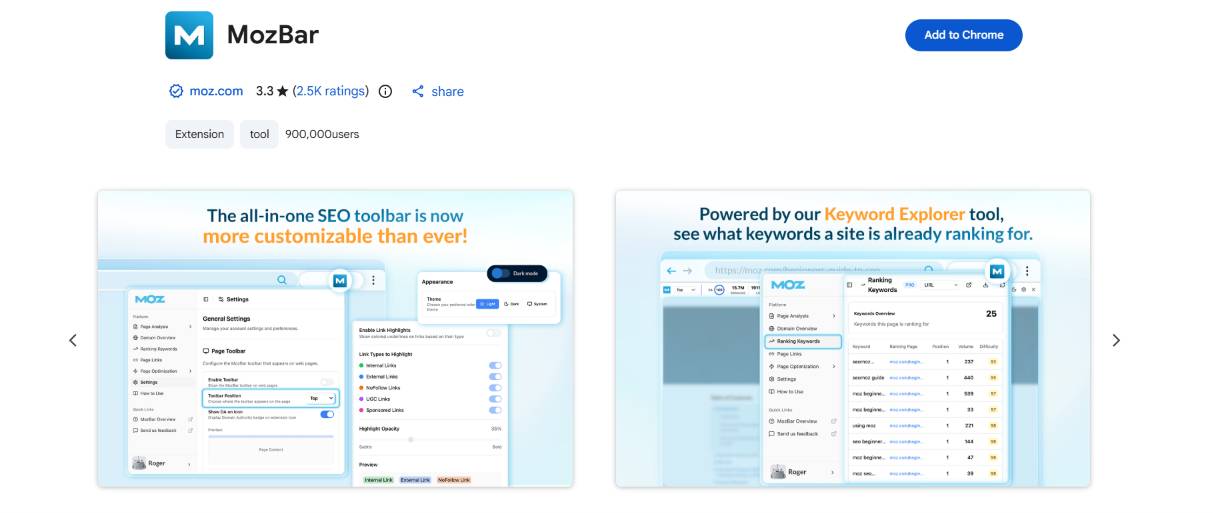
MozBar was one of the first browser extensions to make SEO metrics visible directly on the search results page itself, overlaying Domain Authority and Page Authority scores right next to organic listings as you browse. That instant visibility turns competitive research from a manual, tool-switching chore into something that happens passively while simply looking at search results.
Key highlights: instant Domain Authority and Page Authority scores overlaid directly on search results, quick on-page analysis covering title tags, headers, and link counts, a built-in link metrics view for any page visited, and one of the most recognized, longest-standing names in the SEO extension space.
Ahrefs SEO Toolbar — backlink and keyword data on demand
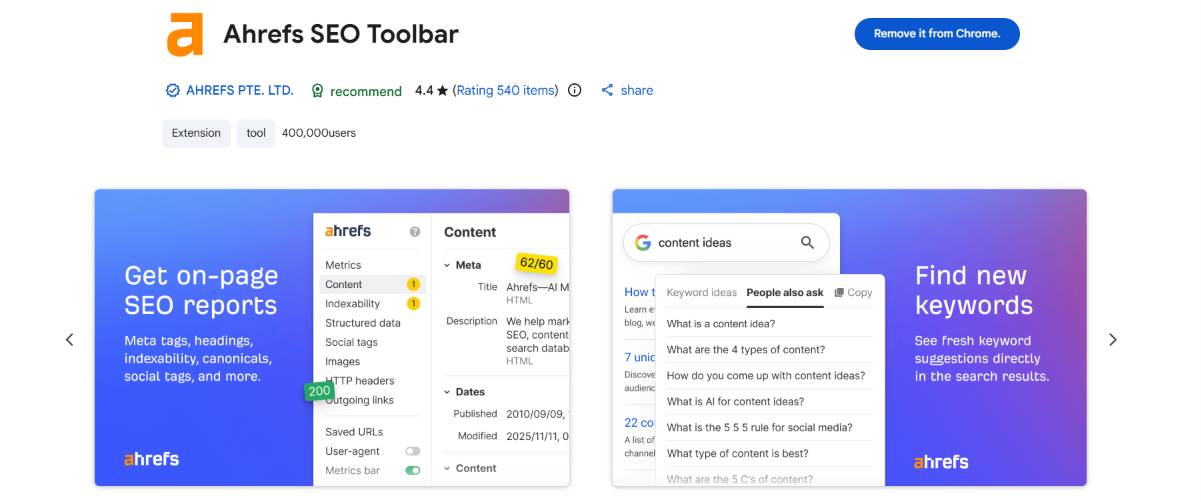
Ahrefs built its reputation on the depth of its backlink index, and its browser toolbar brings a meaningful slice of that data directly into everyday browsing — organic keyword rankings, estimated traffic, and referring domain counts, all visible without opening the full Ahrefs platform. For anyone who already relies on Ahrefs for deeper research, the toolbar acts as a fast, always-available preview layer.
Key highlights: backed by one of the most comprehensive backlink databases in the industry, keyword difficulty and search volume estimates available while browsing, an on-page SEO report accessible in a single click, and free access to core features even without a full Ahrefs subscription.
SEOquake — the all-in-one on-page audit
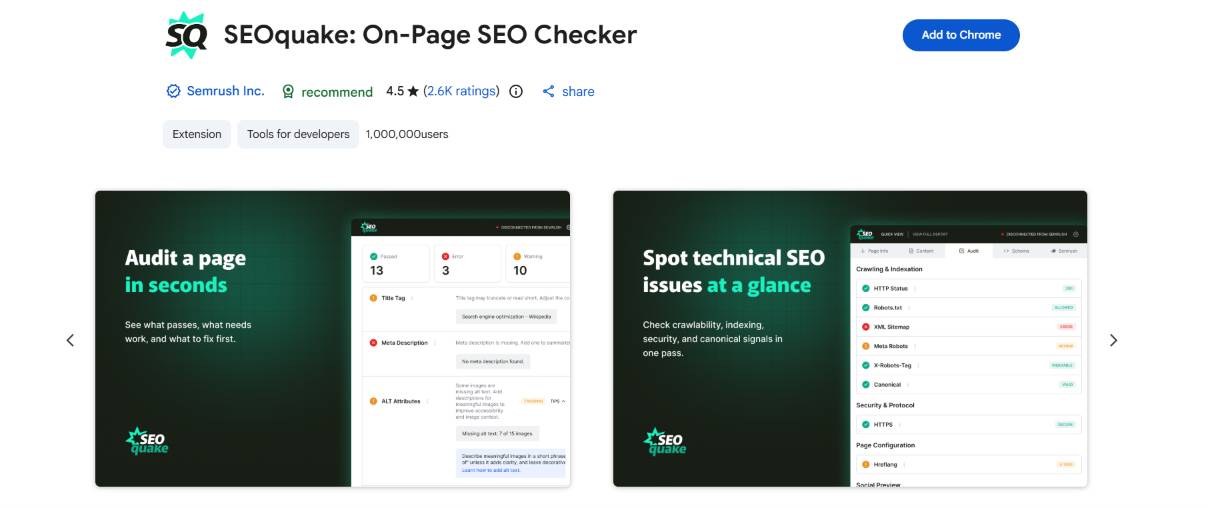
SEOquake has stayed relevant for years by covering an unusually wide range of SEO checks in a single free extension — keyword density analysis, internal versus external link counts, page diagnostics, and a comparison tool that lets several URLs be evaluated side by side. It's less specialized than some competitors, but that breadth is exactly the appeal for anyone who wants one tool that touches most of the bases.
Key highlights: a genuinely broad range of on-page SEO metrics in one free tool, a built-in comparison feature for evaluating multiple URLs at once, exportable SEO audit reports for quick client or team sharing, and consistent, long-standing reliability across browser updates.
Keywords Everywhere — search volume data everywhere you browse
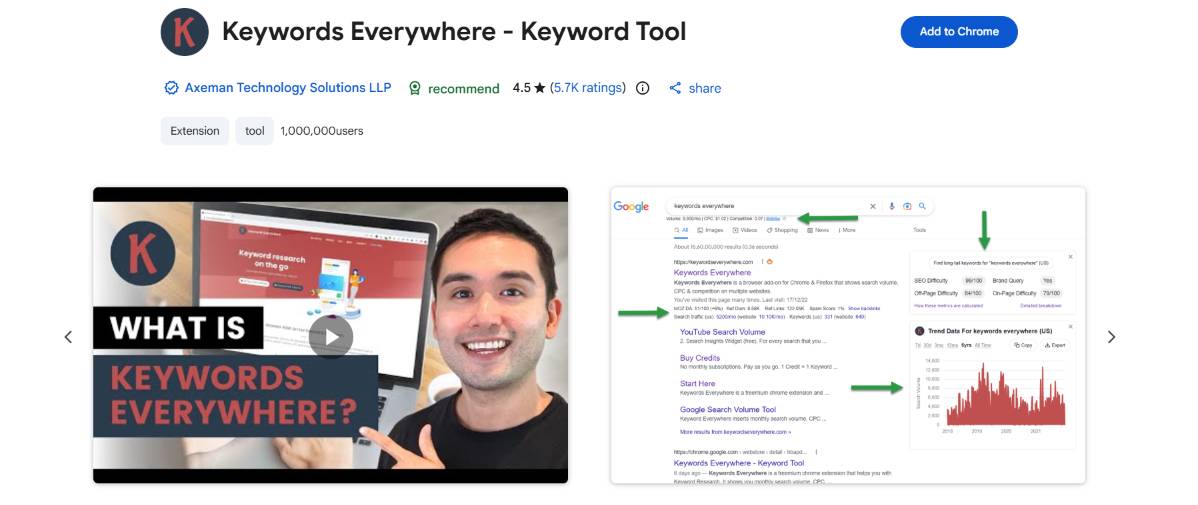
Keywords Everywhere earned its name honestly — it surfaces search volume, cost-per-click, and competition data directly inside Google search results, YouTube, Amazon, and a range of other platforms, turning ordinary browsing into passive keyword research. For content planning and PPC research alike, having that data appear contextually, right where the search happens, saves a genuinely significant amount of manual lookup time.
Key highlights: search volume, CPC, and competition data displayed directly across multiple platforms beyond just Google, related keyword and "people also search for" suggestions surfaced automatically, affordable credit-based pricing suited to occasional or high-volume use alike, and genuinely useful for both SEO content planning and paid search research.
Detailed SEO Extension — the fast technical snapshot
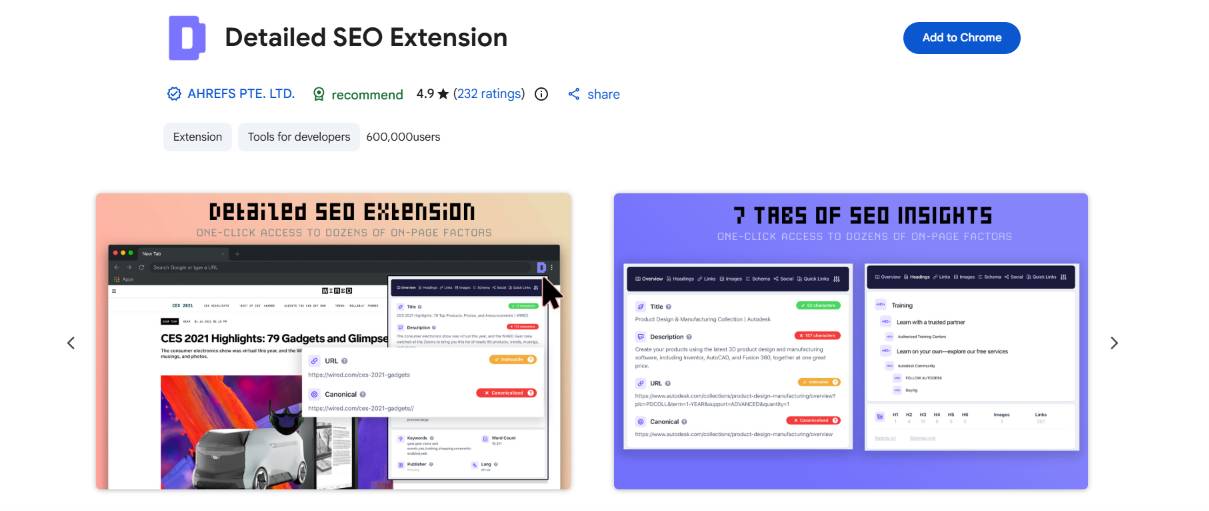
Detailed SEO Extension does exactly what its name promises — it delivers a clean, fast technical snapshot of any page's meta title, description, headers, canonical tag, and indexability status the moment it's opened, without any configuration required. Its appeal lies in that immediacy: no dashboard to navigate, no report to generate, just an instant technical readout the moment it's needed.
Key highlights: an instant, no-setup technical SEO snapshot for any page visited, clear visibility into meta tags, header structure, and canonical settings, quick indexability and robots directive checks, and a lightweight interface that stays out of the way until it's actually needed.
Similarweb — competitive traffic intelligence at a glance
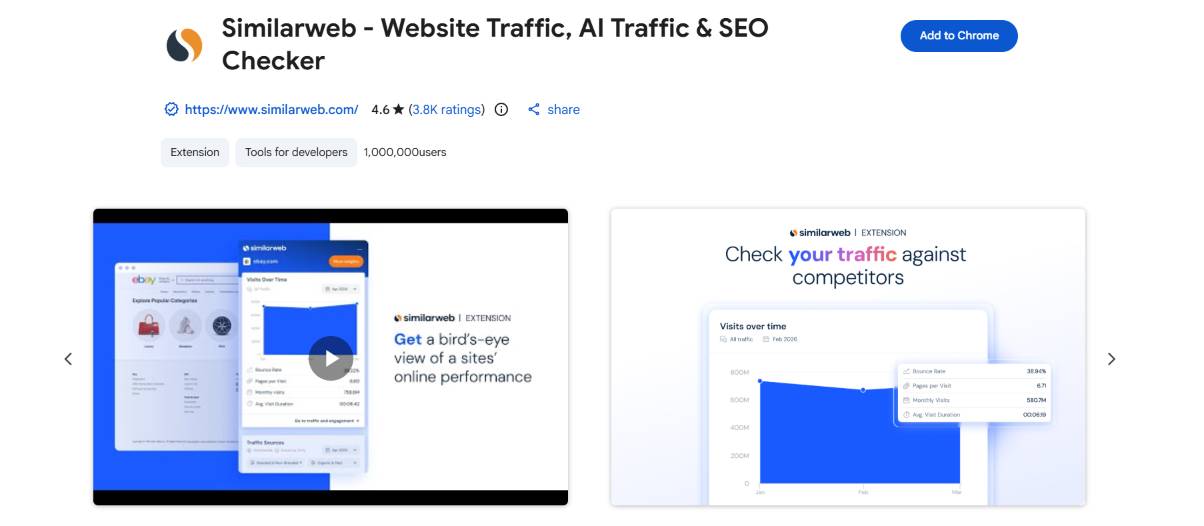
Similarweb's browser extension brings a version of its traffic estimation and competitive analysis platform directly into everyday browsing, surfacing estimated visit counts, traffic sources, and audience overlap data for any site being viewed. This kind of competitive visibility — understanding roughly how much traffic a competitor is pulling and where it's coming from — used to require a dedicated research session; here it's available in a glance.
Key highlights: estimated traffic and engagement data for essentially any website visited, a breakdown of traffic sources including search, social, and referral, audience and competitor overlap insights for market research, and a genuinely useful starting point for competitive analysis before committing to deeper paid research.
Check My Links — the broken link finder
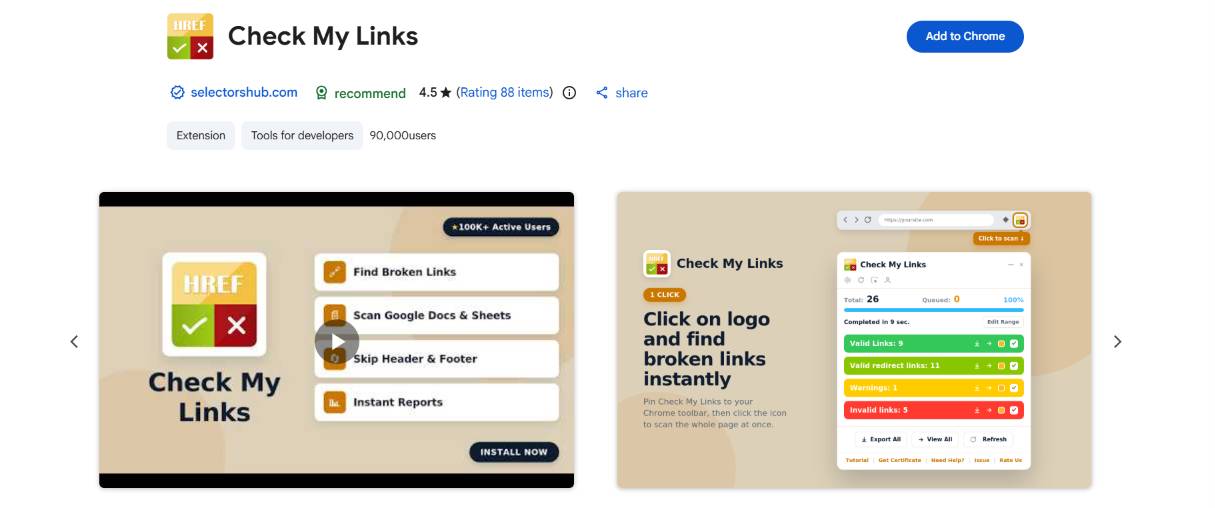
Broken internal and external links quietly damage both user experience and SEO performance, and Check My Links solves that problem about as directly as a tool can: it scans a page and highlights every link, color-coding working links green and broken ones red, all in a matter of seconds. For content audits and site migrations especially, this kind of fast, visual link check saves hours of manual clicking.
Key highlights: instantly scans and color-codes every link on a page as working or broken, dramatically speeds up content audits and site migration checks, a genuinely simple, single-purpose tool with no learning curve, and free to use with no account or sign-up required.
Redirect Path — tracing exactly how a URL resolves
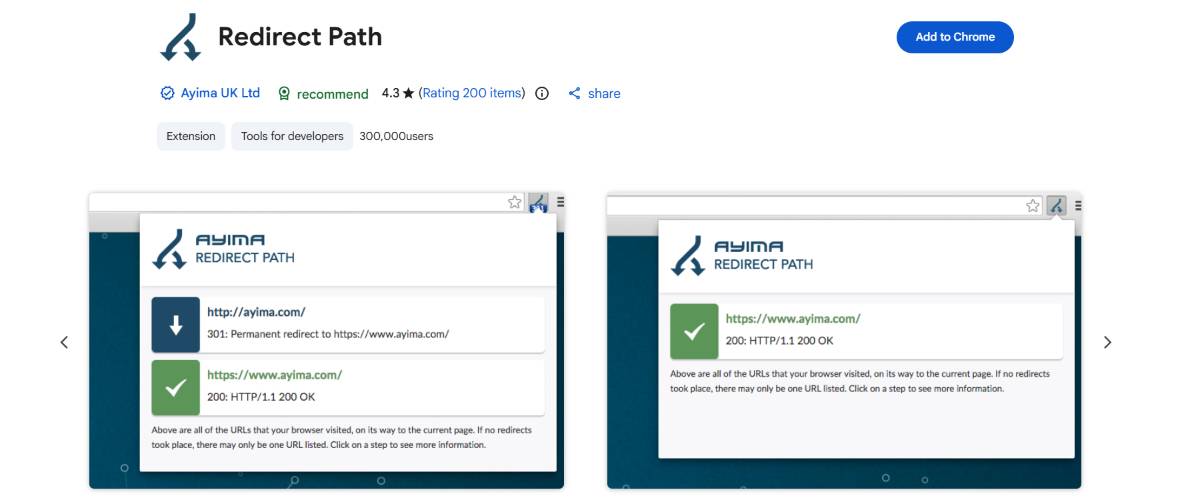
Redirect chains and improperly configured redirects are a common, often invisible source of lost SEO value, and Redirect Path exists specifically to make that invisible process visible — tracing every hop a URL takes, showing HTTP status codes at each step, from the original link through to the final destination. For diagnosing messy migrations or unexpected ranking drops, seeing the full redirect path is often the fastest way to find the actual problem.
Key highlights: traces the complete redirect chain for any URL, clearly displaying HTTP status codes at each step, quickly identifies redirect loops, unnecessary hops, or broken redirect chains, works directly in the browser without needing a separate crawling tool, and particularly valuable during site migrations or domain changes.
Wappalyzer — identifying the technology behind any website
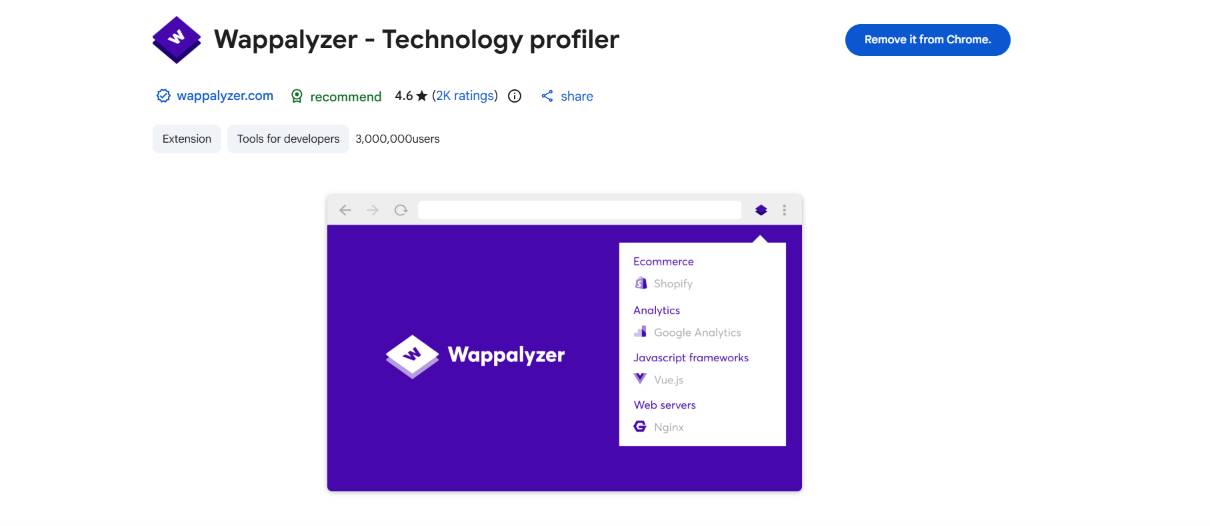
Wappalyzer takes a slightly different angle from the rest of this list — rather than analyzing content or links, it identifies the actual technology stack powering a website: CMS platform, analytics tools, ad networks, ecommerce software, and more, all detected automatically the moment a page loads. For competitive research and technical audits, knowing what platform and tools a competitor or client is actually running on is often a genuinely useful context.
Key highlights: automatically detects the CMS, analytics tools, and broader tech stack behind any website, useful for competitive research and technical due diligence alike, a growing, regularly updated database of recognized technologies, and works passively in the background without requiring any manual scanning steps.
META SEO Inspector — a closer look at page-level SEO signals
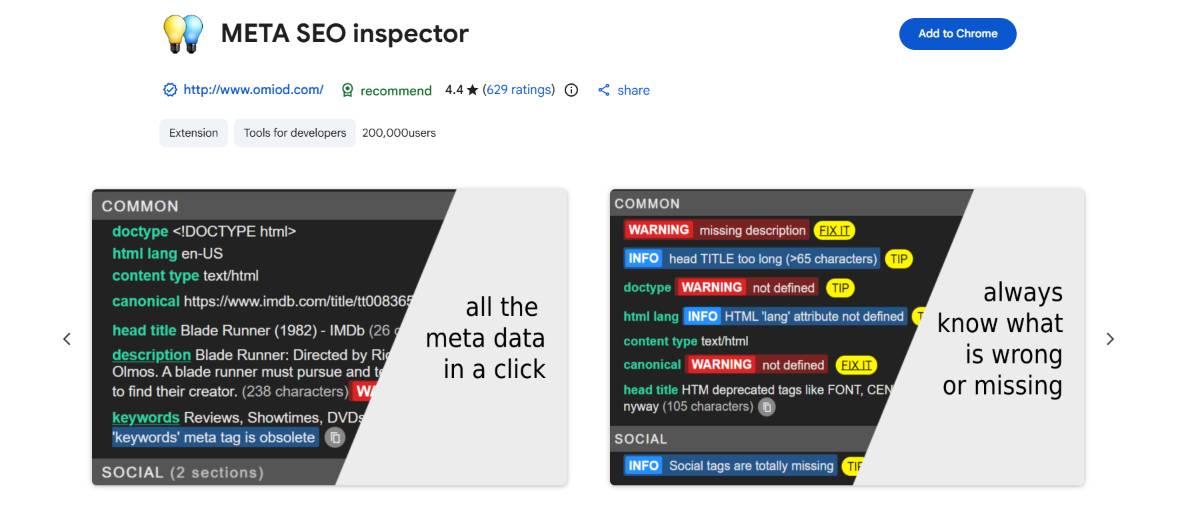
META SEO Inspector rounds out this list with a focused, no-frills look at the meta-level SEO signals on any page — meta tags, headers, image alt attributes, and structured data — presented in an organized, easy-to-scan panel. It's a good complement to broader tools on this list, offering a more detailed look specifically at the metadata layer that other extensions tend to summarize more briefly.
Key highlights: detailed, organized breakdown of meta tags, headers, and structured data, checks image alt attributes for accessibility and SEO completeness, a clean, scannable interface suited to quick technical reviews, and a useful complement to broader on-page audit tools for deeper metadata checks.
Building a Toolbar That Actually Covers the Job
None of these ten extensions is meant to replace a full SEO platform — they're built to answer fast, specific questions without the overhead of opening a dashboard and running a full crawl. The strongest toolbars tend to cover a few distinct jobs: quick authority and ranking context (MozBar, Ahrefs Toolbar), broad on-page and technical checks (SEOquake, Detailed SEO Extension, META SEO Inspector), competitive and keyword intelligence (Similarweb, Keywords Everywhere), and structural diagnostics (Check My Links, Redirect Path, Wappalyzer).
The real value of building a thoughtful toolbar isn't having every extension installed — it's knowing which two or three actually get reached for daily, and trusting them enough to make fast decisions without second-guessing the data. An SEO professional auditing a new client site, for example, might open Detailed SEO Extension for an instant technical read, Check My Links to catch anything broken, and MozBar for quick authority context — three tools, thirty seconds, and a genuinely useful first impression of the site before any deeper platform work begins. That efficiency, more than any single feature, is what makes these tools worth keeping pinned to the toolbar.
It's also worth thinking about these extensions as a starting filter rather than a final verdict. A quick MozBar check might reveal a competitor has strong authority, but it won't explain why — that's where a deeper platform audit or a full backlink analysis picks up where the extension leaves off. The best SEO teams treat browser extensions as the fast, first-pass layer of research: enough to prioritize where deeper attention is actually needed, so time spent inside a full platform is focused on the sites and pages that genuinely warrant it, rather than spread thin across every URL in a competitive landscape.